Tap or volume buttons
Mark each lap without looking at the screen — eyes stay on the kart.

Find your lost tenths
Time every lap from trackside with a tap or the volume buttons, run two drivers at once and pull sessions off your MyChron over Wi-Fi. Every personal best, on every track you race.
Free on iPhone · 9 languages
WinLap
Tap once per lap from trackside — or import the whole session from MyChron. WinLap keeps the laps, the conditions and your best on every track.
Works today
Everything below is in the app on the App Store now.
Mark each lap without looking at the screen — eyes stay on the kart.
Volume + times one driver, volume − the other. The same pair again in one tap.
Pull sessions off MyChron 5, 5S and 6 straight to iPhone: lap times, top speed and RPM. No laptop, no cable.
A class among WinLap drivers on the same track and category, once enough of them have raced there.
GPS finds the nearest circuit, and the conditions are saved with every session.
Best, average, spread and top-3 average. Leave out a lap, add a note about the kart setup.
Your best lap on each circuit, marked as a personal best the moment you beat it.
Time a rival from the fence and see the gap — they don't need the app.
The timer works without signal and syncs later. Share a session as an image or a link.
The WinLap family
Start with the lap timer today. Team and Debrief are in testing with the first drivers, coaches and teams.
The coach plans the race weekend; drivers mark their days in one tap.
Join the betaEvery lap timed, MyChron sessions imported, a personal best and a class on your track.
See the appOnboard video and telemetry turned into one clear task for the next session.
Join the betaWinLap Team
The coach creates the event and drops one link into the team chat. Each driver marks the days they're in. The coach sees drivers × days at a glance.
| Driver | Thu | Fri | Sat | Sun |
|---|---|---|---|---|
| Driver 1 | ||||
| Driver 2 | ||||
| Driver 3 | ? | |||
| Driver 4 |
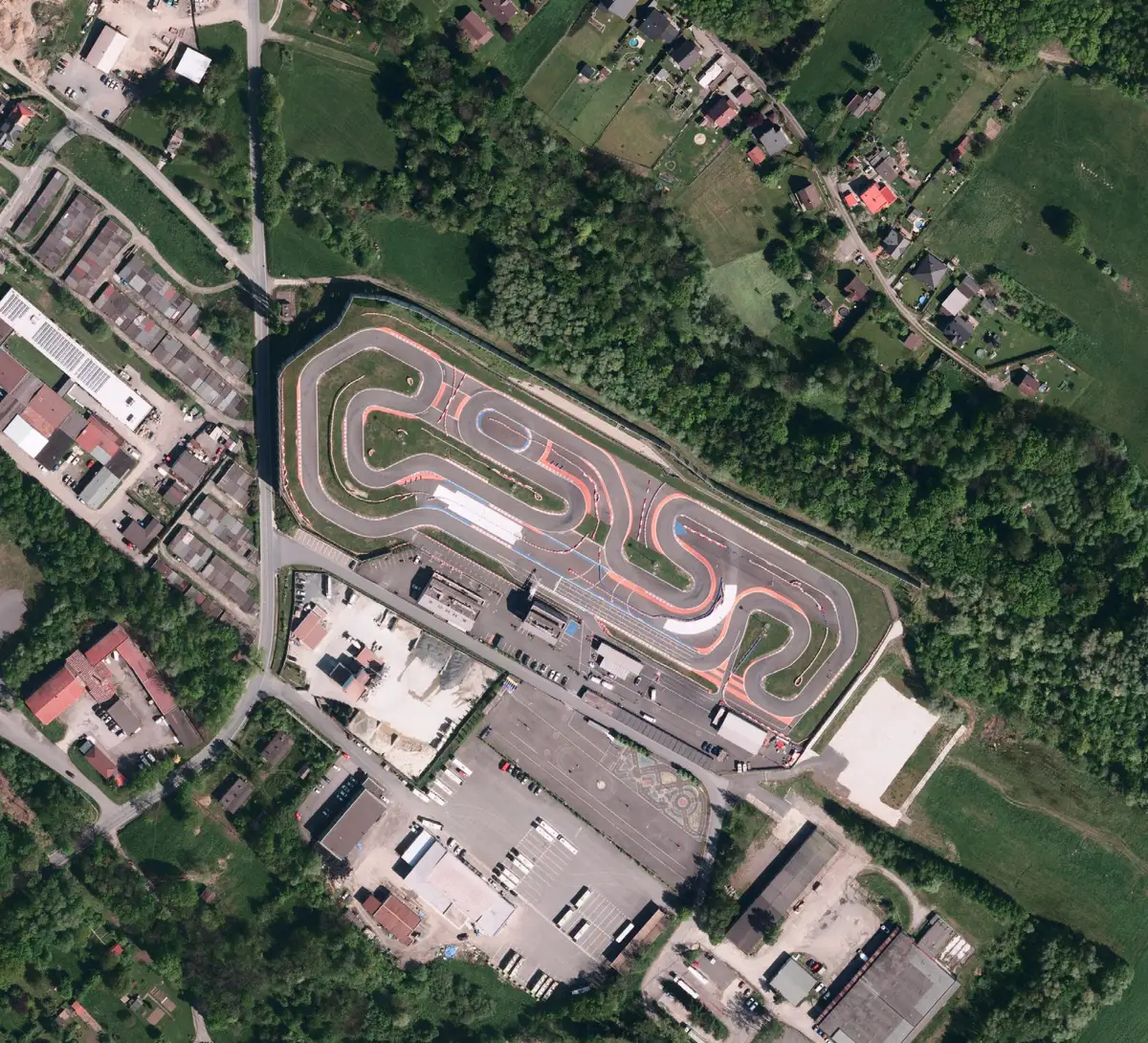
Imagery: © ČÚZK, CC BY 4.0
WinLap Debrief
Onboard video and telemetry, laid over the real track. Debrief finds where your lap leaks time, corner by corner, and gives you one task for the next session.
Beta
We're opening testing to a small group of drivers, coaches and teams.
The tester list opens soon.
Yes. Download WinLap free from the App Store: time laps, import MyChron sessions, compare your laps and share them.
Turn on Wi-Fi on the MyChron, join its AiM network in iPhone Settings, tap "Use without internet", then download the sessions in WinLap. It works with MyChron 5, 5S and 6 — no laptop or cable.
No. Time laps by hand with a tap or the volume buttons; human reaction adds about ±0.3–0.5 s, so compare trends over several laps. For official results, use the circuit's timing.
Yes. Volume + records a lap for the first driver and volume − for the second; both lap lists stay in one session.
Yes. The timer works offline and saves the session on the phone; it syncs when you're back online.
When they work for the first drivers and coaches testing them. No dates yet — the beta list opens soon.
Not yet. Join the list and we'll tell you when it's ready.
By joining, you agree to receive launch updates via email. Unsubscribe anytime. Privacy Policy
Yes. WinLap is rated 4+; for drivers under 13 (under 16 in the EEA) a parent or guardian sets up the account. Data is used only for your own analysis and is deleted on request.
Free on iPhone · 9 languages